
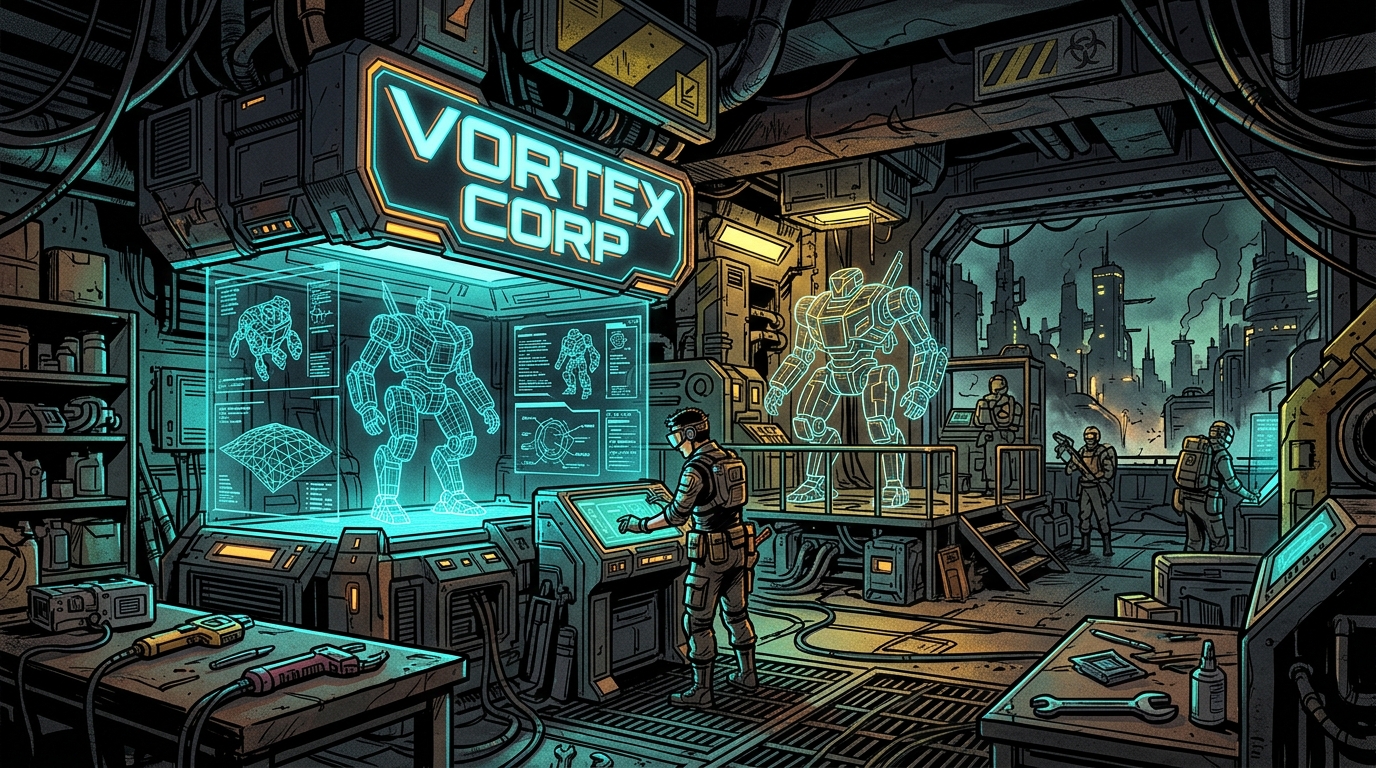
Executive Summary: Demystifying Land Impact in Second Life
For creators in Second Life, Land Impact (LI) is the fundamental currency of performance, server budget, and parcel economy. Whether you are crafting intricate weapons, furniture, cybernetic attachments, or sprawling wasteland architecture, an unoptimised 3D model can easily demand 30, 50, or even 100+ LI for an object that should only consume 0.5 to 1.0 LI.
The simulator calculates your object's total Land Impact through a strict maximum threshold formula:
Land Impact = MAX(Download Weight, Physics Weight, Server Weight)This means your final Land Impact is dictated exclusively by whichever of the three weights is highest. Optimising your polygon count to reduce Download Weight to 0.5 is completely useless if your uncalculated Havok Physics Weight remains at 35.0! To master sub-1 LI creation, you must conquer all three dimensions simultaneously.
1. The Three Weights: Anatomy of the LI Equation
Second Life's engine balances server CPU, viewer download bandwidth, and physical collision simulation across three independent pillars:
The bandwidth and GPU rasterisation cost required for viewers in the region to fetch and render your mesh. This calculation is heavily driven by your Level of Detail (LOD) geometry and the object's physical Bounding Radius. Because streaming demand scales exponentially with size, small objects behave drastically differently from large structures. The computational complexity required by the Havok physics engine to resolve collisions with avatars, vehicles, and physical projectiles. Complex concave meshes with thousands of micro-triangles create massive collision calculations, spiking physics weight upwards of 80 LI. The base operational overhead incurred by the simulator to track the object in the region database. In Second Life, unscripted linked mesh prims cost approximately 0.5 Server Weight per prim, while scripted prims incur an additional tick cost (~1.0 LI per scripted object).2. LOD Hierarchy & The Radius Law: Strategic Budgeting
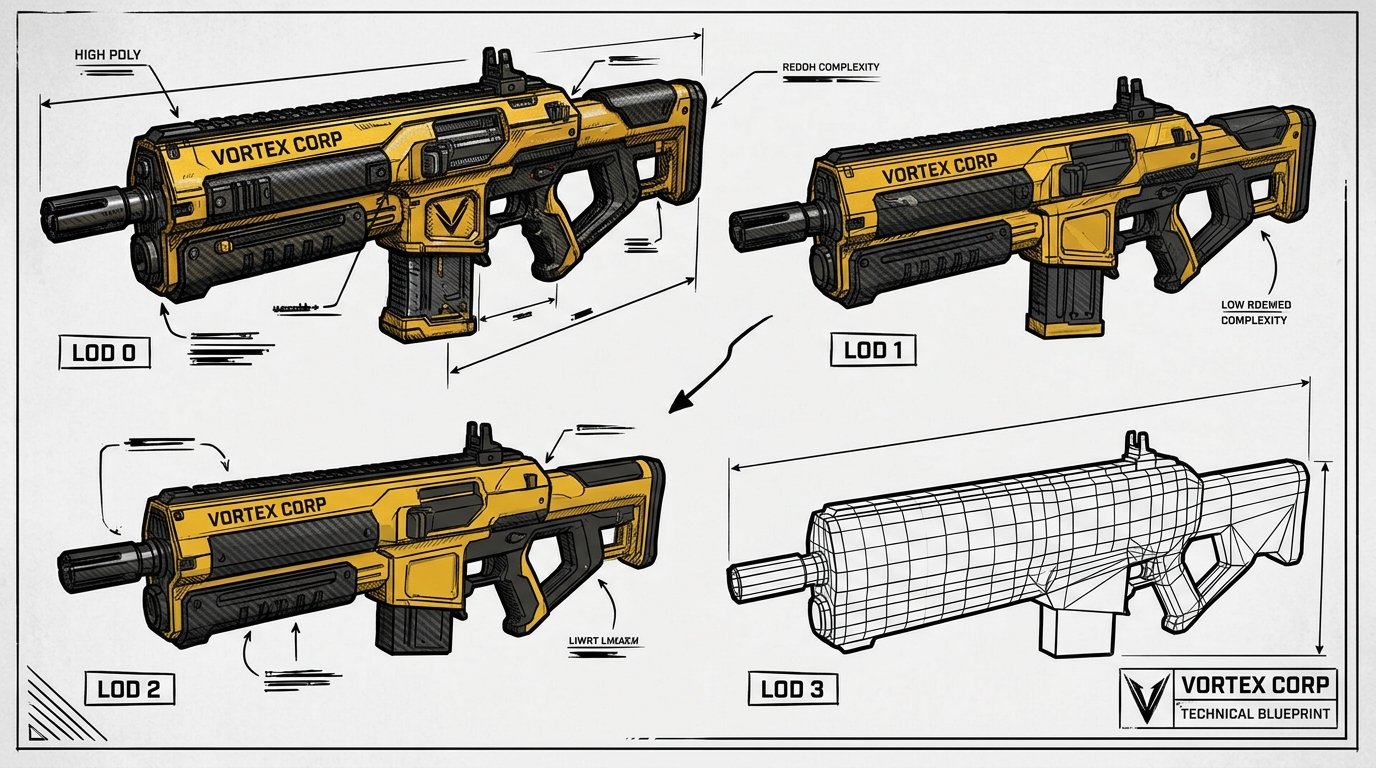
Second Life features four distinct geometric LOD tiers:
- 01High LOD: Displayed when the avatar's camera is immediately adjacent to the object.
- 02Medium LOD: Swapped in as the camera moves past moderate viewing distances (~10m to 30m).
- 03Low LOD: Rendered when viewing from across a parcel (~30m to 70m).
- 04Lowest LOD: Rendered across sim distances (up to 256m or 512m draw distance).
If you allow the viewer's auto-decimator to generate a Lowest LOD with 200 triangles, your Land Impact will spike to 15.0 or 25.0. However, if you provide a custom Lowest LOD consisting of a single flat triangle or a 4-face bounding box, your Download Weight collapses to 0.35 - 0.45, yielding a final in-world Land Impact of 0.5 (1 prim per 2 linked items)!
| Object Category | Max Dimensions | High LOD Triangles | Medium LOD | Low LOD | Lowest LOD | Target Land Impact |
|---|---|---|---|---|---|---|
| Handheld Weapon / Dagger | 0.60m × 0.15m | 3,400 tris | 650 tris | 80 tris | 2 tris (Single Flat Poly) | 0.5 LI |
| Wasteland Bar Stool / Chair | 1.10m × 0.60m | 2,200 tris | 500 tris | 90 tris | 8 tris (Box Proxy) | 0.6 LI |
| Modular Shelter Wall / Doorway | 4.20m × 3.00m | 1,400 tris | 450 tris | 120 tris | 16 tris (Silhouette Retained) | 1.2 LI |
| Outpost Surveillance Tower | 24.0m × 6.50m | 8,500 tris | 3,400 tris | 1,200 tris | 240 tris (Main Pillars) | 6.8 LI |
3. Physics Optimization: Taming the Havok Collision Cost
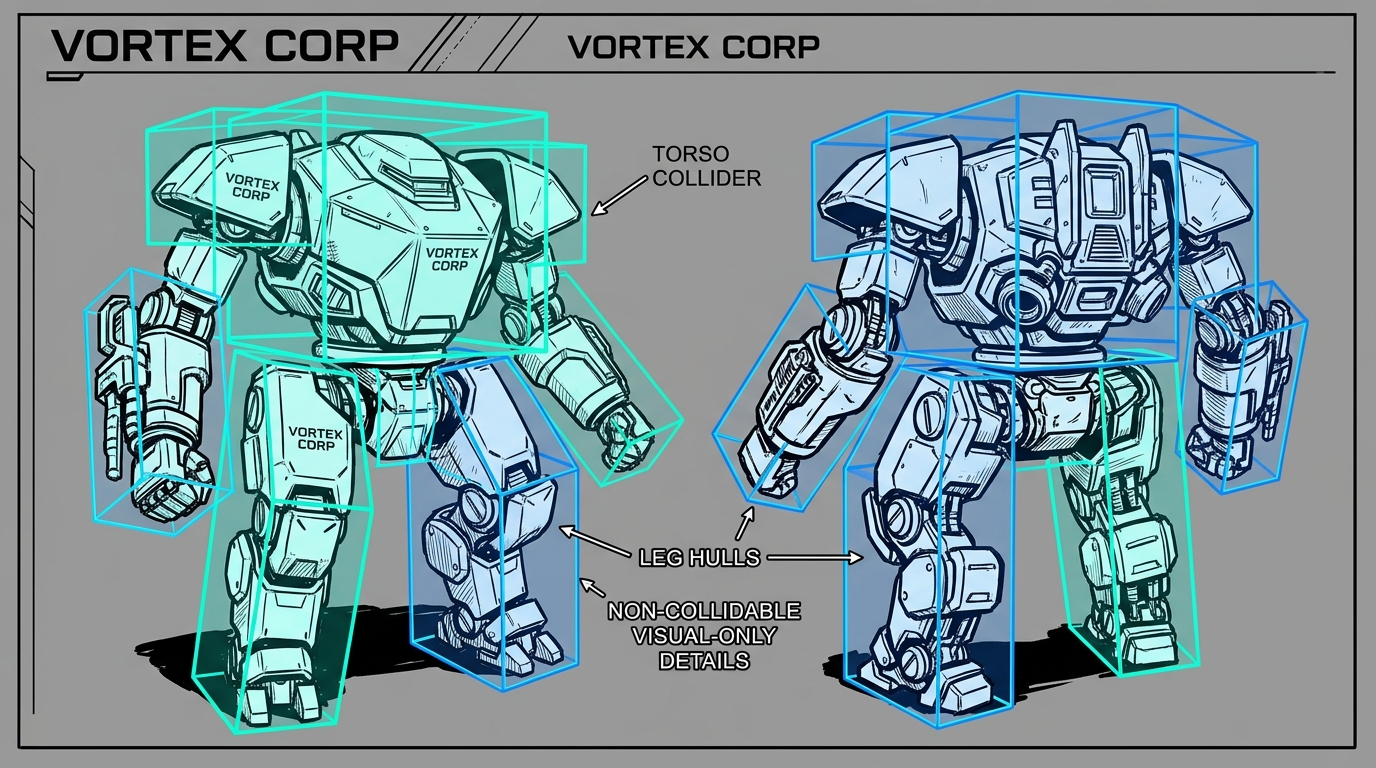
One of the most frequent beginner mistakes is uploading the High LOD visual mesh as the physics shape. This generates thousands of microscopic collision triangles that punish the region simulator.
- 01Decompose into Separate Convex Hulls: Never use concave hollows in a single physics hull. Break doors, arches, and enclosures into separate simple convex blocks in Blender or DAE Studio.
- 02Utilise PRIM_PHYSICS_SHAPE_NONE (Type = None): In linked sets, set all non-collidable decorative pieces (screws, wires, antennas, cushions, decals) to Physics Shape Type: None in the viewer Features tab (or via
llSetLinkPrimitiveParamsFast([PRIM_PHYSICS_SHAPE_TYPE, PRIM_PHYSICS_SHAPE_NONE])). Their physics weight drops to 0.000! - 03Use a Simplified Invisible Physics Base: For complex machinery or vehicles, link a simple transparent cube prim as the physics collider and set the complex visual mesh children to None.
4. Modern 2026 glTF PBR Materials: Fake Geometry with Normals
With Second Life's official adoption of 2026 glTF PBR (Physically Based Rendering) materials, modeling dense geometric bevels and screws is completely obsolete.
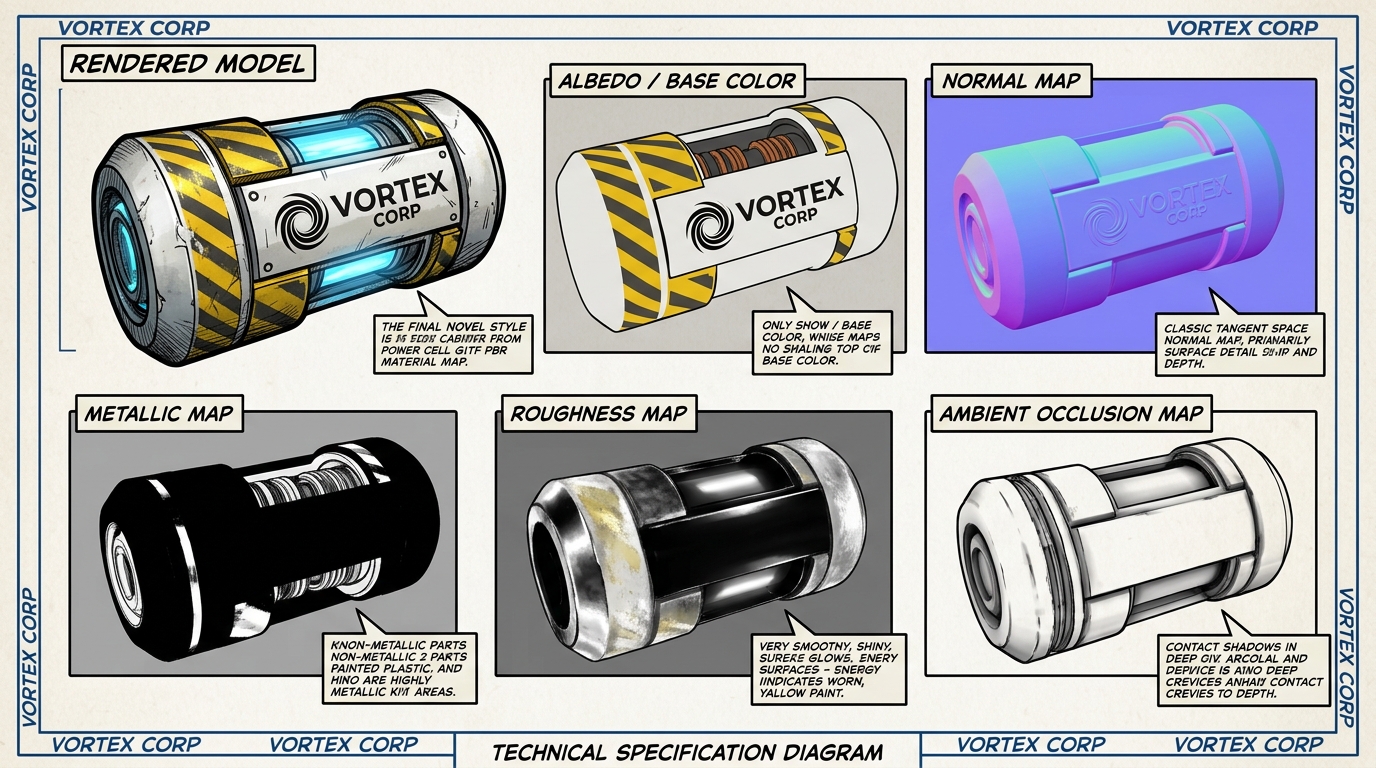
By baking high-resolution detail maps, you transfer the appearance of a 100,000 polygon sculpt onto an ultra-lightweight 1,200 triangle mesh:
- ▸Normal Map (Tangent Space): Simulates micro-surface bevels, rivets, welds, and directional light refraction with zero added geometry.
- ▸Roughness Map: Dictates glossy reflections vs matte rust, reacting dynamically to in-world sun and local projectors.
- ▸Metallic Map: Distinguishes non-conductive paints from bare steel and brass.
- ▸Ambient Occlusion (AO): Pre-bakes soft environmental contact shadows into crevices, avoiding real-time shadow computation.
5. Visual Reference Gallery: LOD Decimation & Physics Hulls
6. Official Vortex Creator Studio Suite: Recommended Tools
7. The In-Viewer Upload Checklist (Firestorm / Official SL)
Before pressing the final upload button in Firestorm or the official Second Life Viewer:
- 01Level of Detail Tab:
- ▸High: Load your pristine visually textured mesh.
- ▸Medium: Load your medium LOD file or generate with 40-50% triangle reduction.
- ▸Low: Load your low LOD file (keep silhouette, eliminate bevels).
- ▸Lowest: For items under 3m, choose Generate with Triangle Limit: 2 to 6 or load a custom single-poly proxy file.
- ▸Step 1: Choose From File and select your simplified convex hull file (or choose Bounding Box).
- ▸Step 2: Click Analyze to compute non-overlapping convex decomposition.
- ▸Verify that Generate Normals is unchecked if you are baking custom tangent-space normals.
 🔍 CLICK TO ENLARGE
Architect Field Note — Aley Vortex: Built openly for the Second Life and OpenSim metaverse creator community under the Vortex Corp banner.
